 WebPad
Virtual physics lab
Change the string’s length, the angle, the mass or the friction with sliders; the experiment runs live and the measurements show on screen. The core experiments of school physics, in the browser, with nothing to install and no account.
No sign-up · Works on phones and smart boards · A “?” on every experiment: what each value means
Experiments
Each opens in your browser with one click. Start it with ▶, drag the sliders, press “?” to see what the values mean.
Motion, force and energy
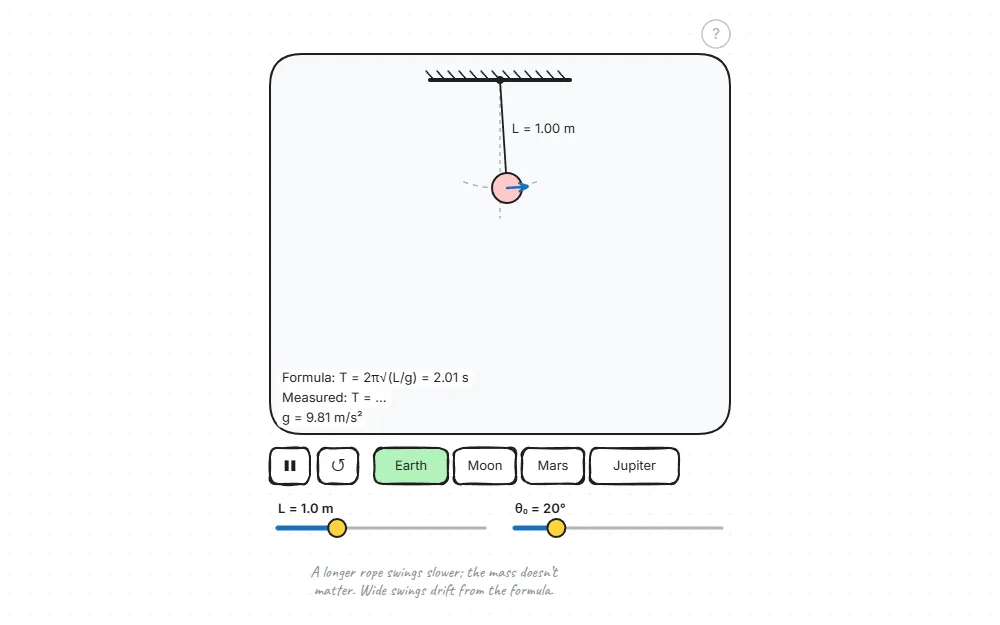
Pendulum
Change the string, the angle and the planet; see what the period depends on: T = 2π√(L/g).
How it works · Open the experiment →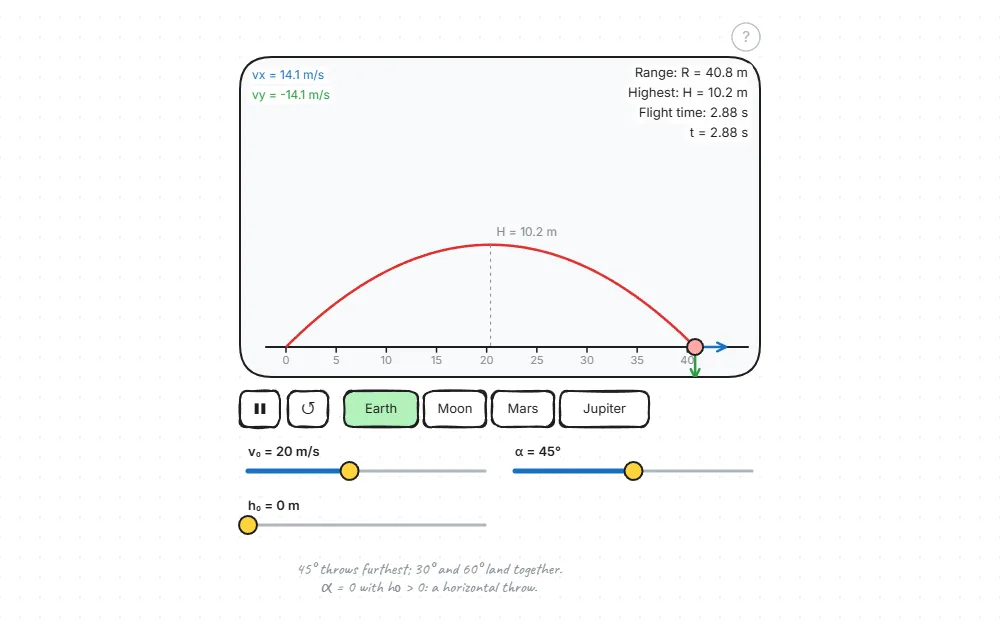
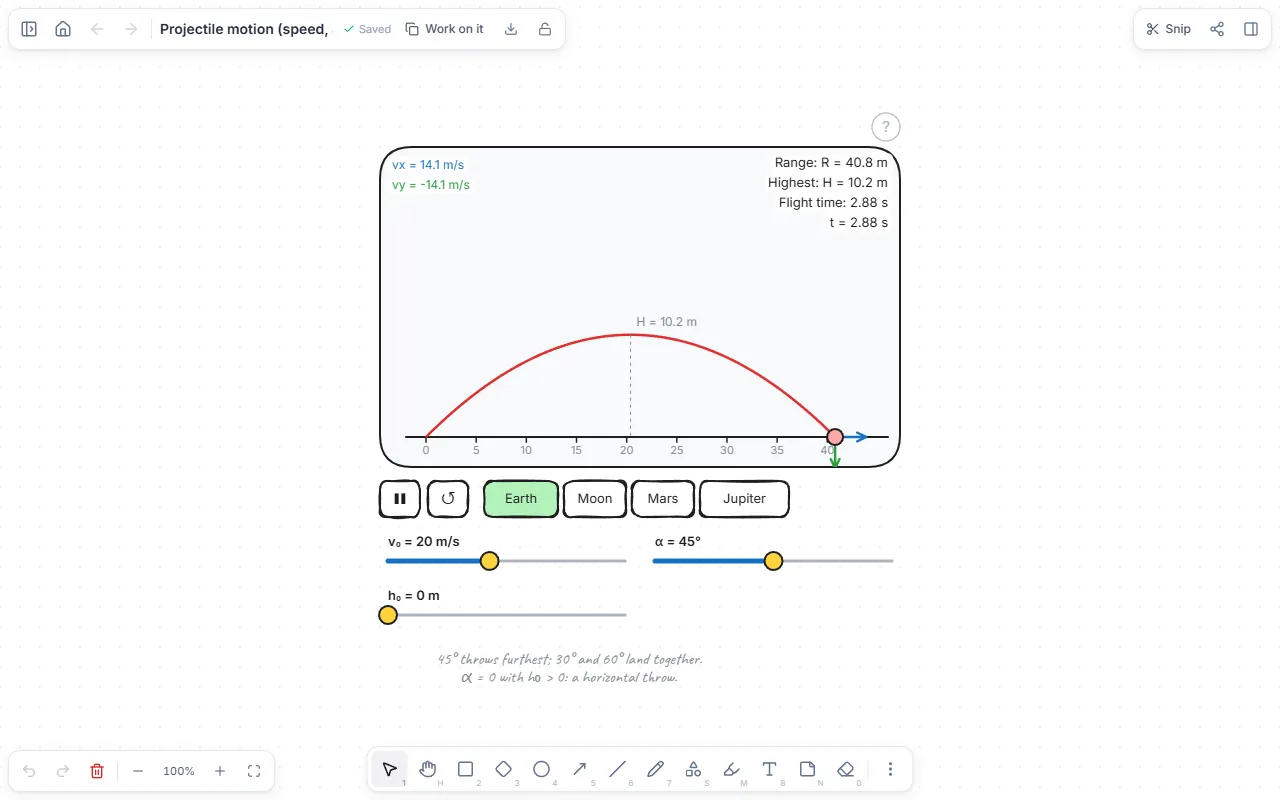
Projectile motion
Set the speed, angle and height; range, flight time and top point are worked out live.
How it works · Open the experiment →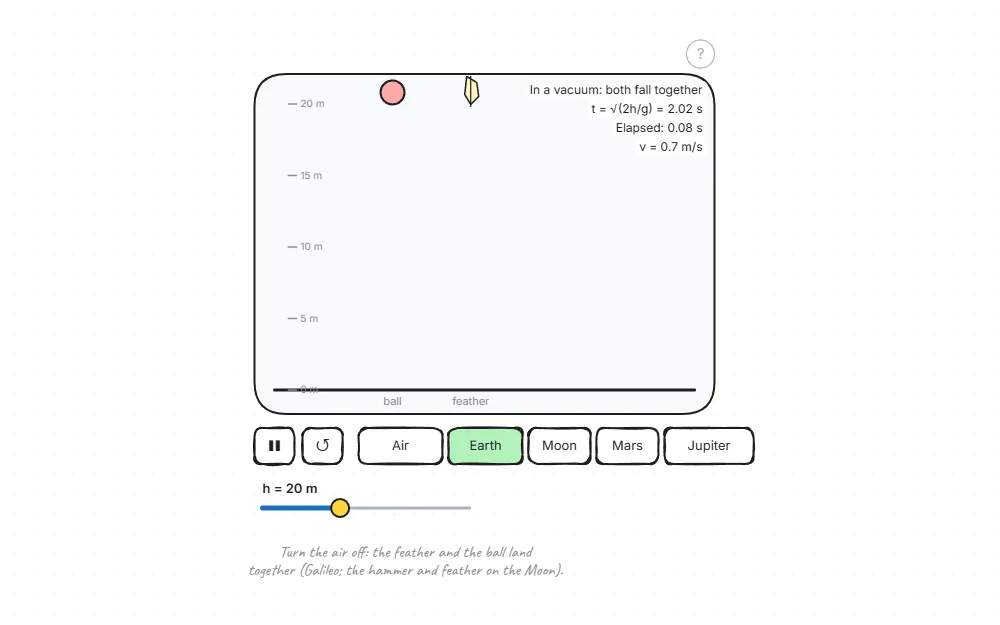
Free fall: a ball and a feather
Compare the fall with air and without: does the heavier one fall faster?
How it works · Open the experiment →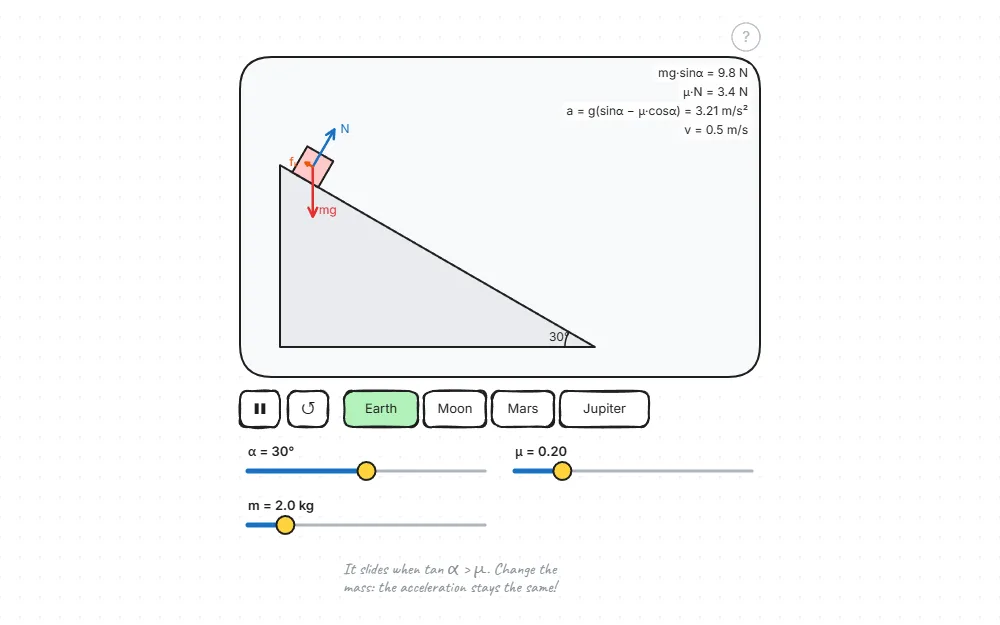
Inclined plane and friction
Change the angle and the friction: does the block slide, and how fast?
How it works · Open the experiment →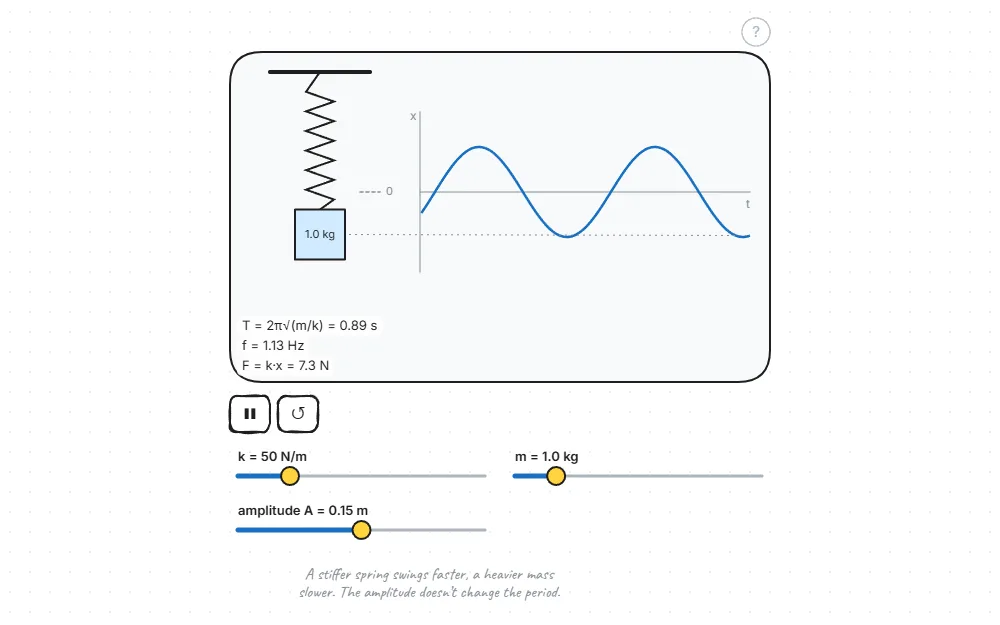
Mass on a spring
Change the spring constant and the mass; the graph of simple harmonic motion is drawn live.
How it works · Open the experiment →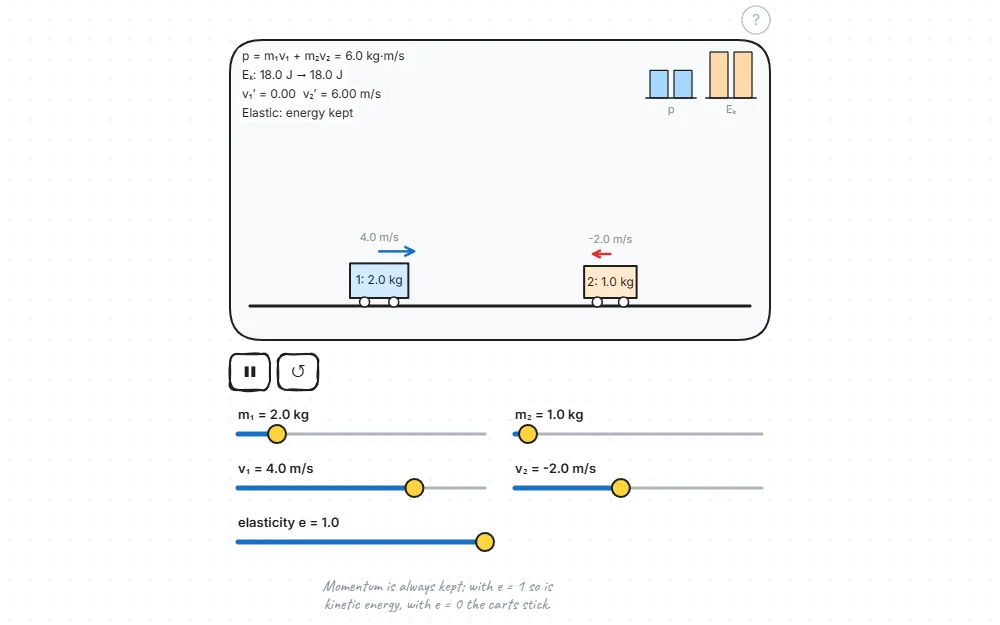
Collisions: momentum and energy
Change masses and speeds; momentum is kept in elastic and inelastic collisions.
How it works · Open the experiment →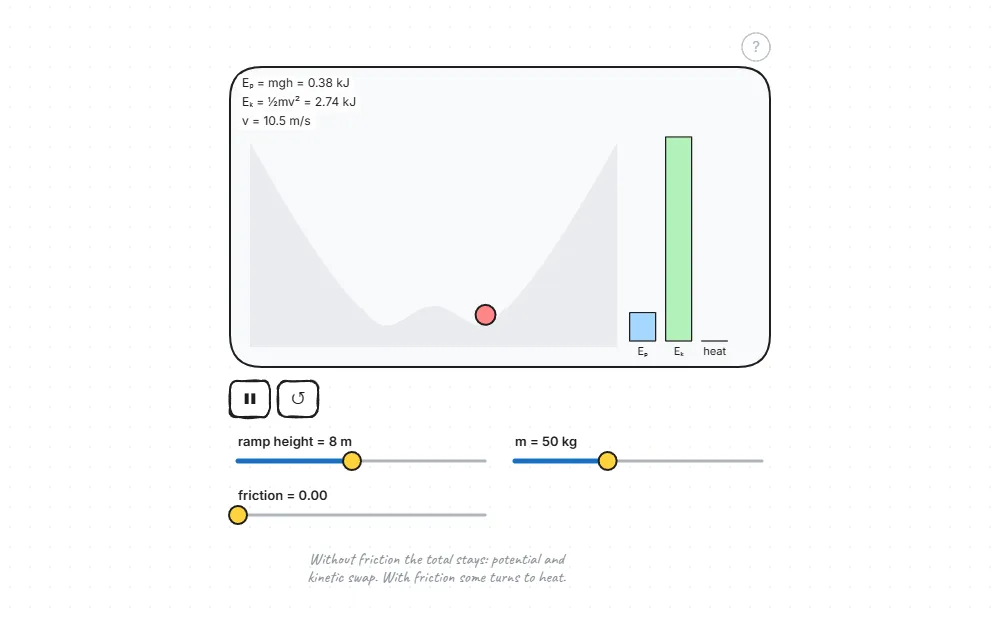
Conservation of energy (ramp)
Potential energy turns into kinetic; see the share friction turns into heat.
How it works · Open the experiment →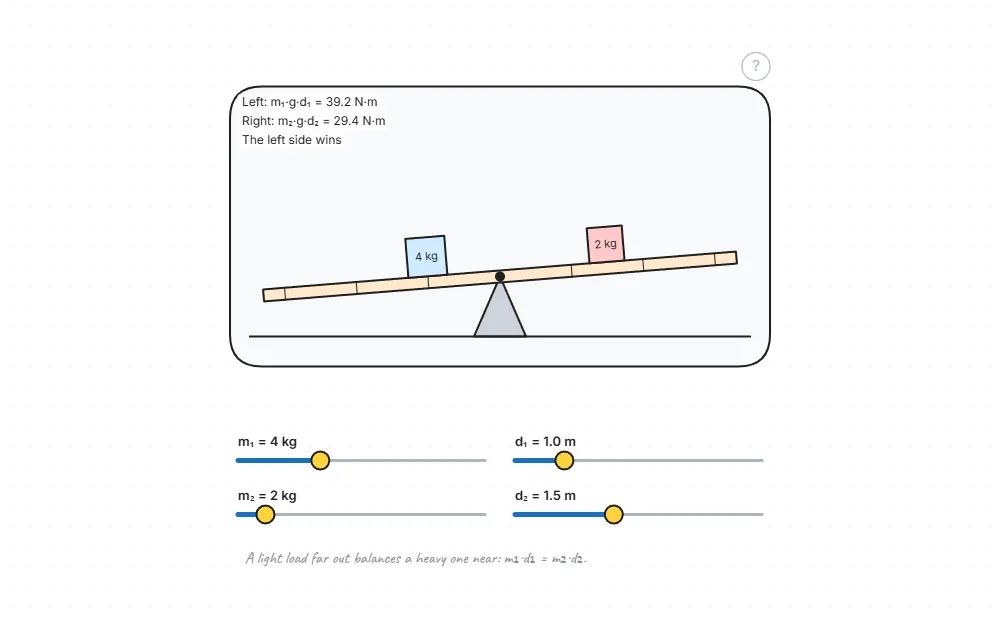
Lever and moments
Put weights on the seesaw and find the balance: force × arm.
How it works · Open the experiment →Liquids and gases
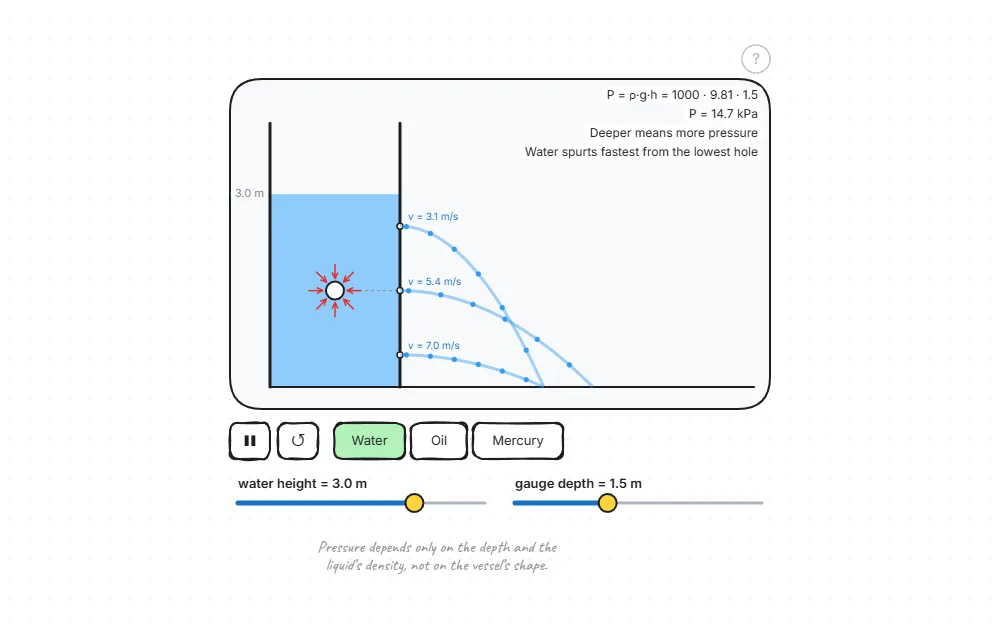
Liquid pressure
Deeper means more pressure: water spurts further from the lower hole.
How it works · Open the experiment →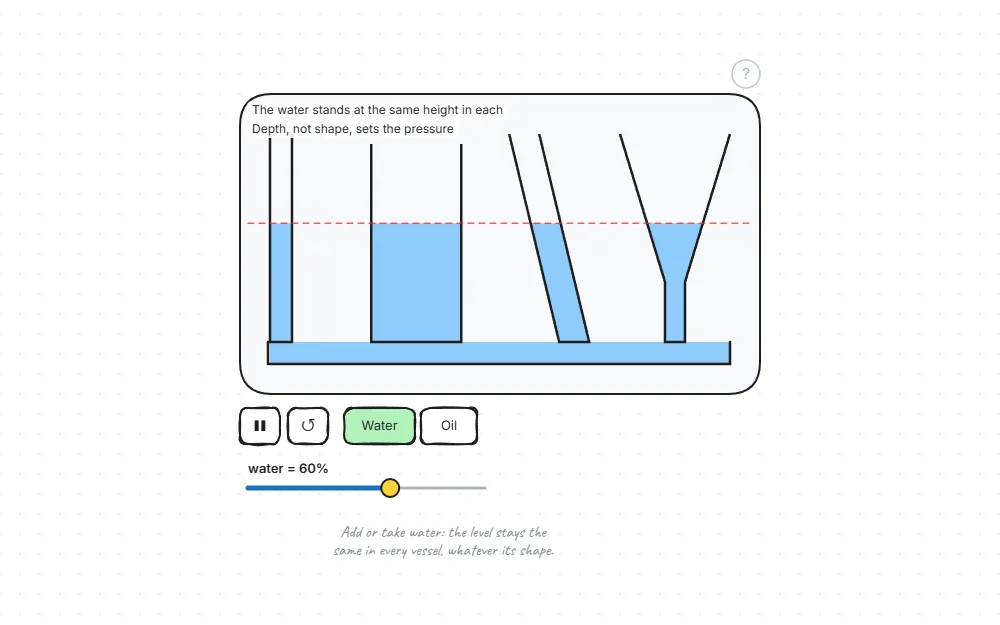
Communicating vessels
Whatever their shape, joined vessels fill to the same level.
How it works · Open the experiment →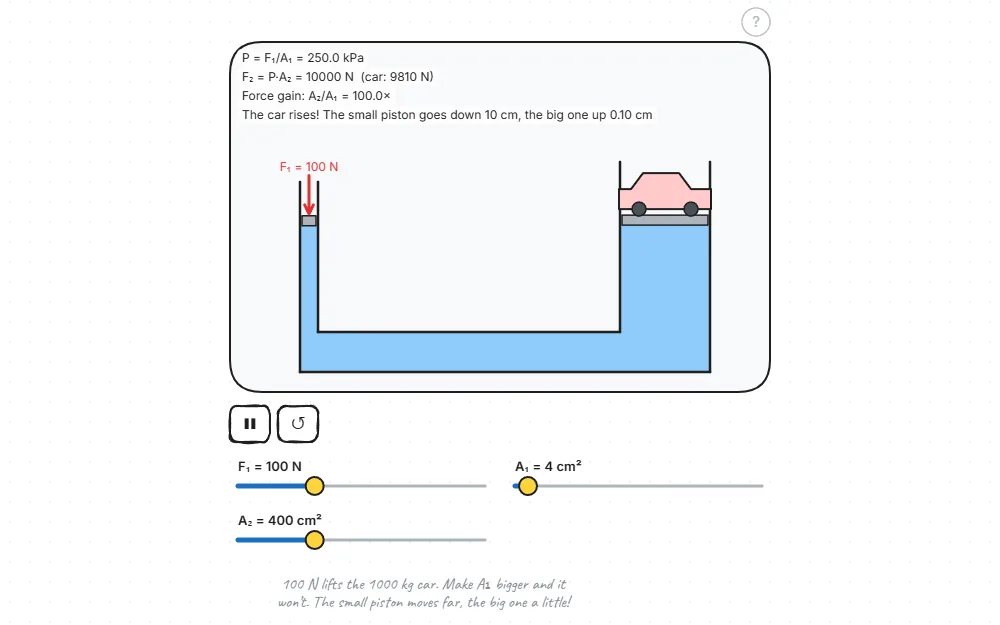
Hydraulic press (Pascal’s principle)
A force on the small piston lifts a car on the big one.
How it works · Open the experiment →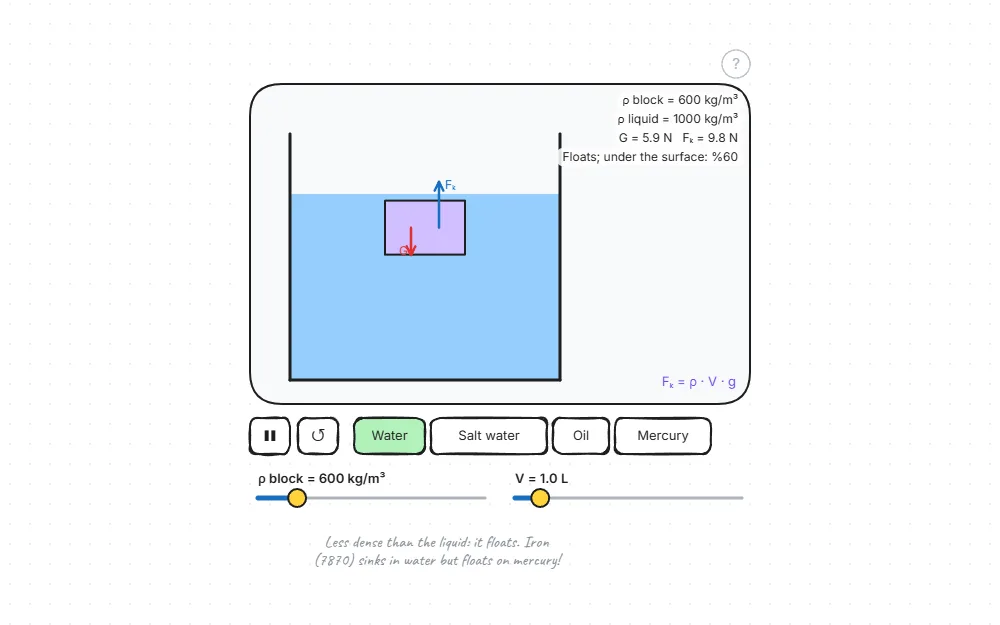
Buoyancy
Change the densities of the object and the liquid: does it float, hover or sink?
How it works · Open the experiment →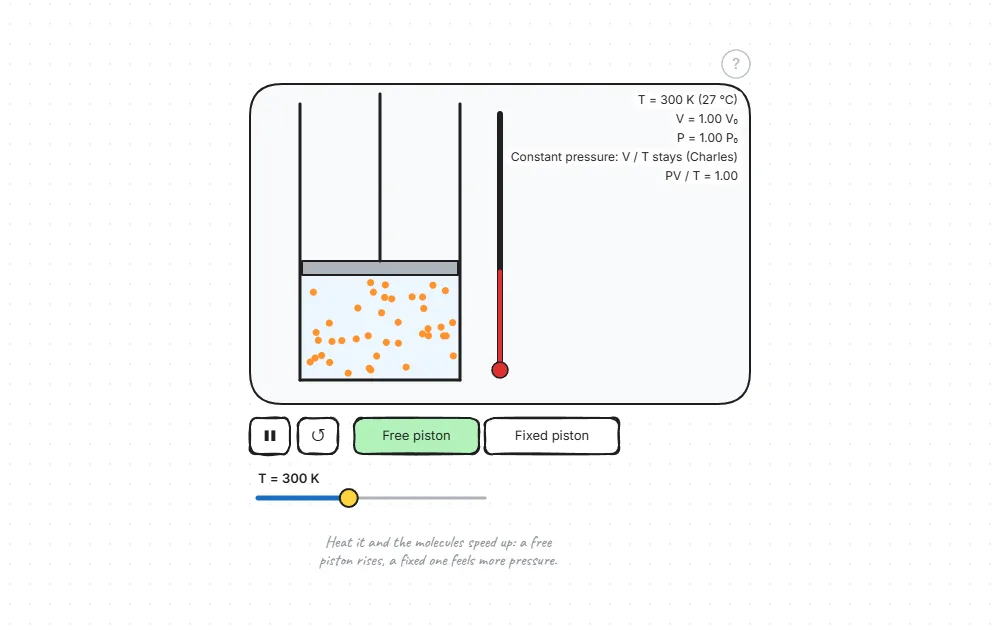
Gas laws
How temperature, volume and pressure relate; the particles move live.
How it works · Open the experiment →Waves and light
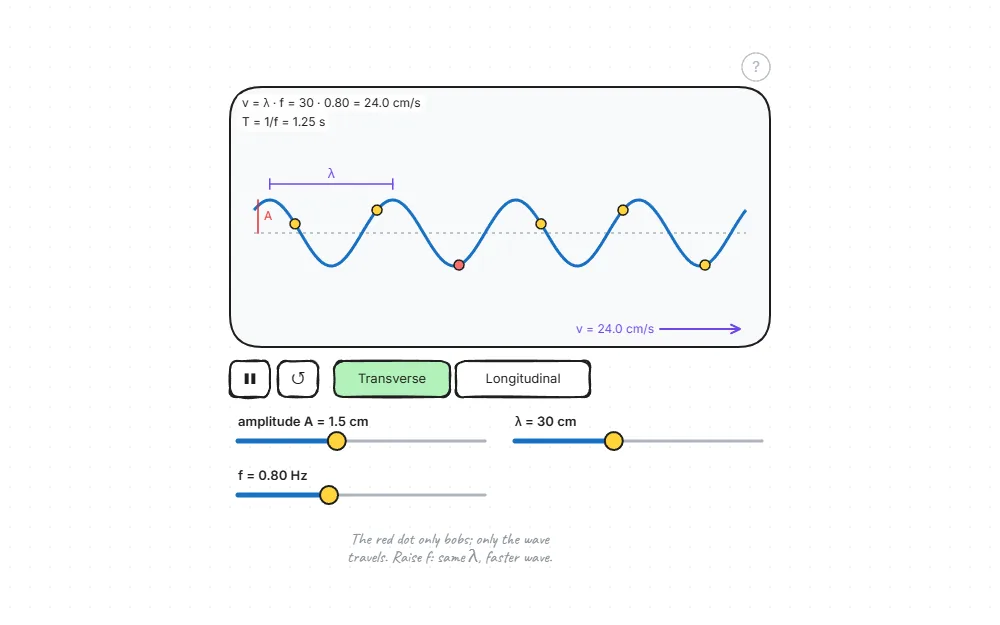
Waves: transverse and longitudinal
Change the frequency and amplitude; see how wavelength and speed relate.
How it works · Open the experiment →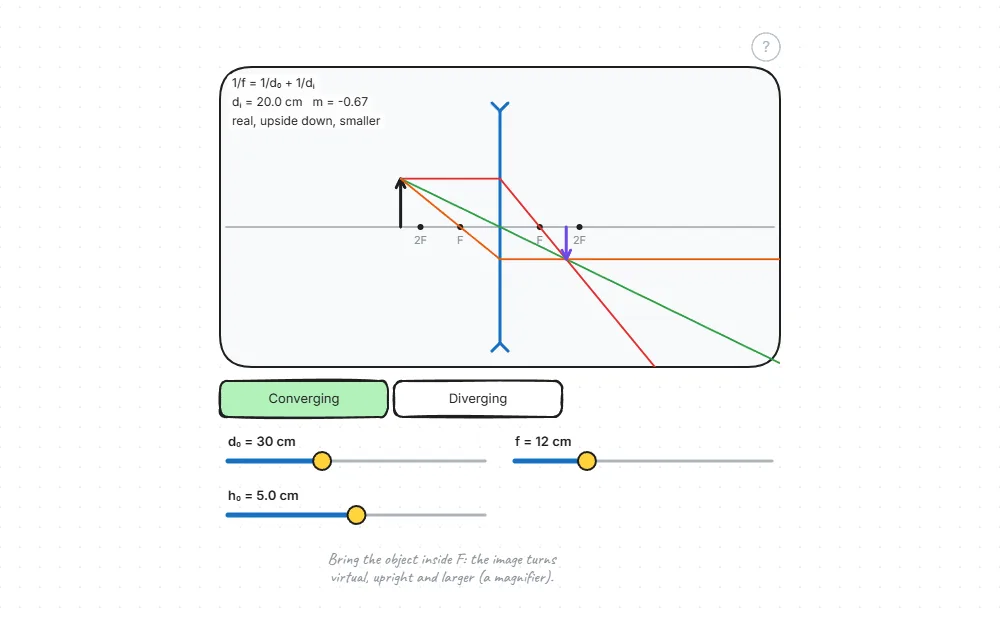
Thin lens: ray diagram
Move the object: the rays, the image’s place and size change live.
How it works · Open the experiment →Sky and space
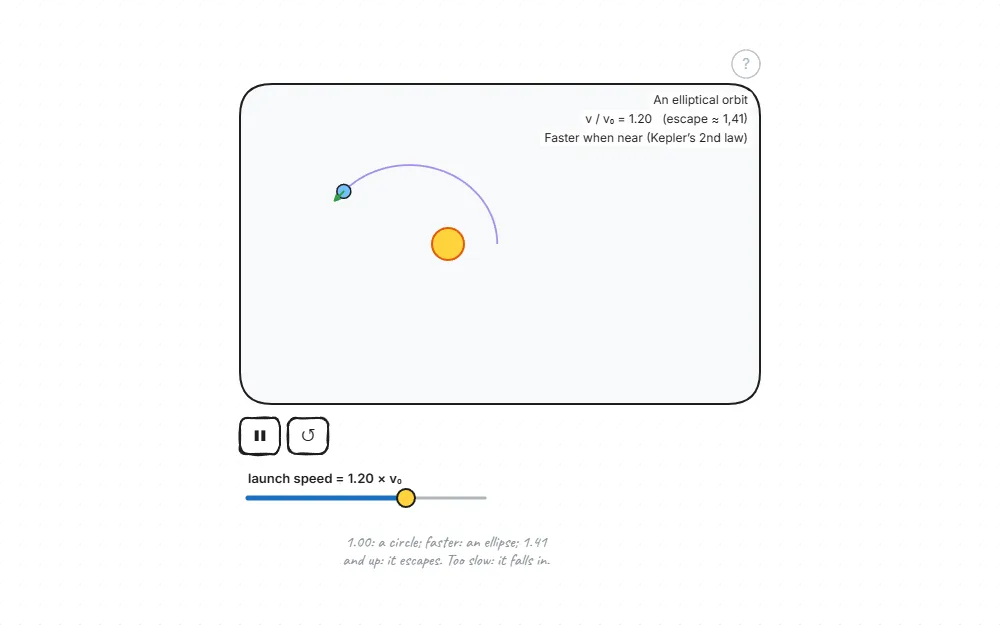
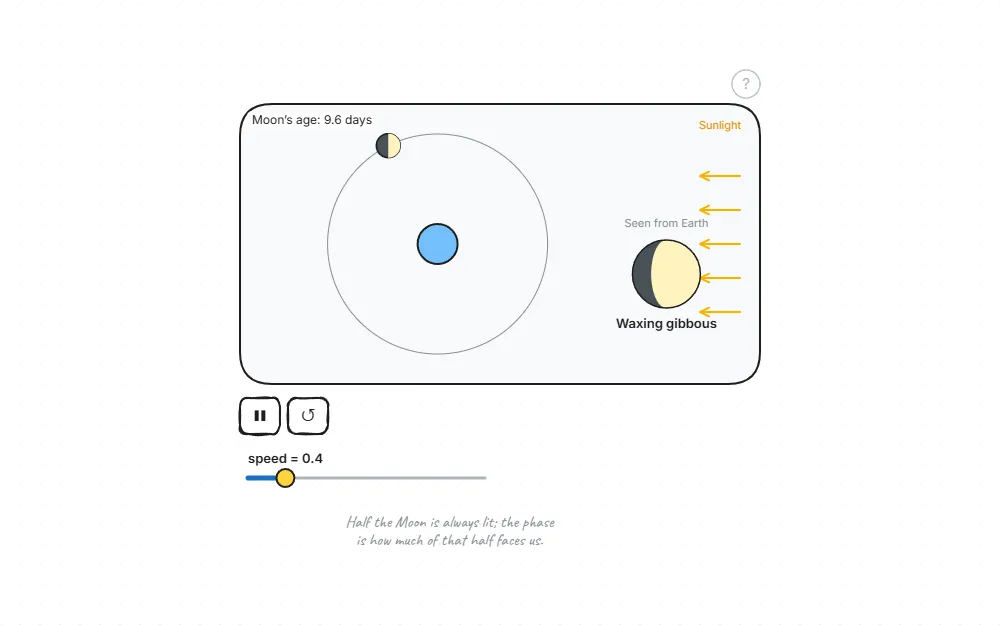
How to use it
-
1
Open an experiment
Click a card; it opens on a new page in your browser. Nothing to install.
-
2
Change the values
Drag the sliders, pick an option (e.g. swing the pendulum on the Moon).
-
3
Play and watch
Start it with ▶; the measurements show on screen. “?” explains each value and its formula.
For teachers
- Opens full screen on a smart board; works with a finger or a pen.
- Add questions, notes and drawings next to the experiment; the same page becomes your lesson.
- Share it as a link: students open it on their phones and try their own values.
- Students can write their measurements into a table in the same notebook and chart them.
Questions
Is it free? Do I need an account?
Completely free, no account. It opens in the browser; you can also install it as a Chrome extension.
Are the results right?
Every experiment is worked out from the physics formulas on every frame, and each one is tested at the ends of its sliders: no broken or meaningless values.
Does it work on phones and tablets?
Yes. webpad.studio opens on phones too; sliders and buttons work by touch.
Can I change an experiment?
Yes. It opens on a drawing page; add text, arrows and shapes next to it and keep your own copy.
How do I share it with students?
Send the page as a link from the share menu; students open the same experiment, running.
Where does my data go?
Nowhere. Pages are kept in your browser, with an optional backup to your own Google Drive.
Open your first experiment now
Make the pendulum’s string longer and see the period change for yourself.
Start experimenting