WebPad
What’s inside
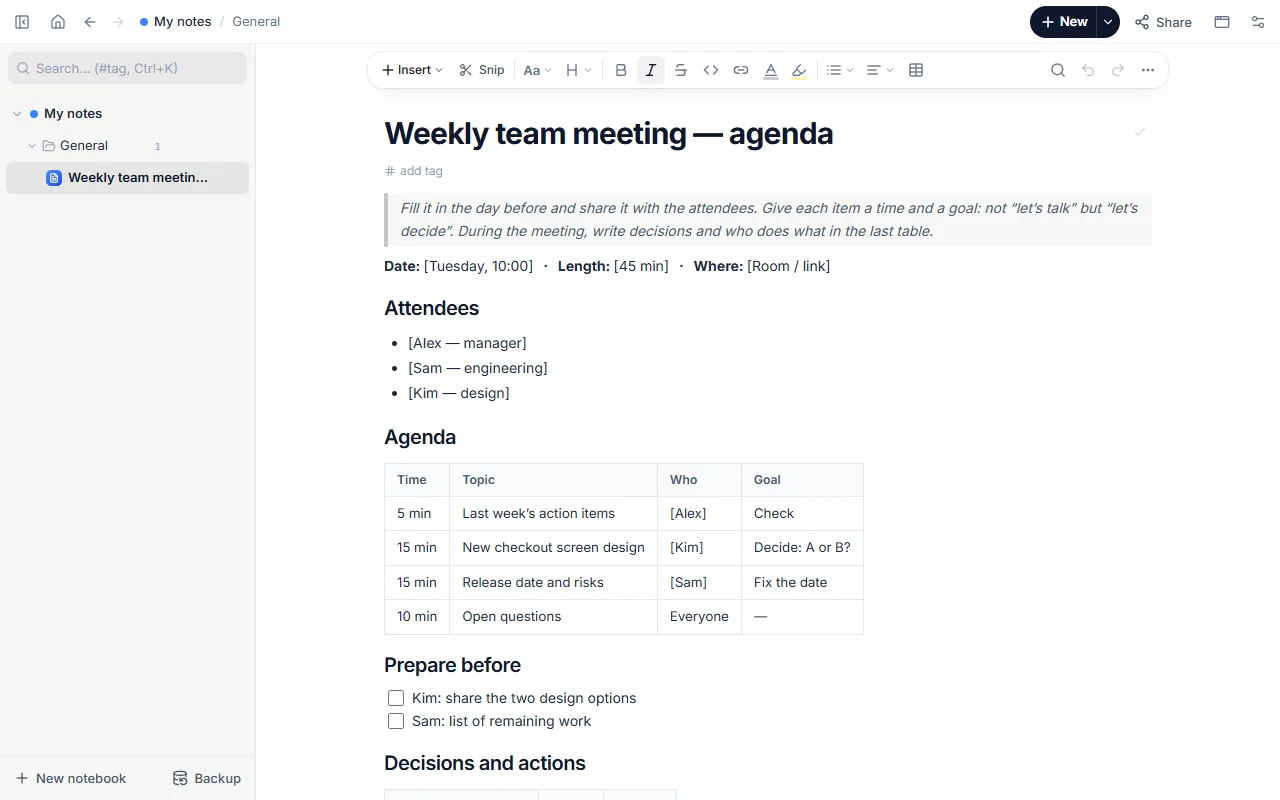
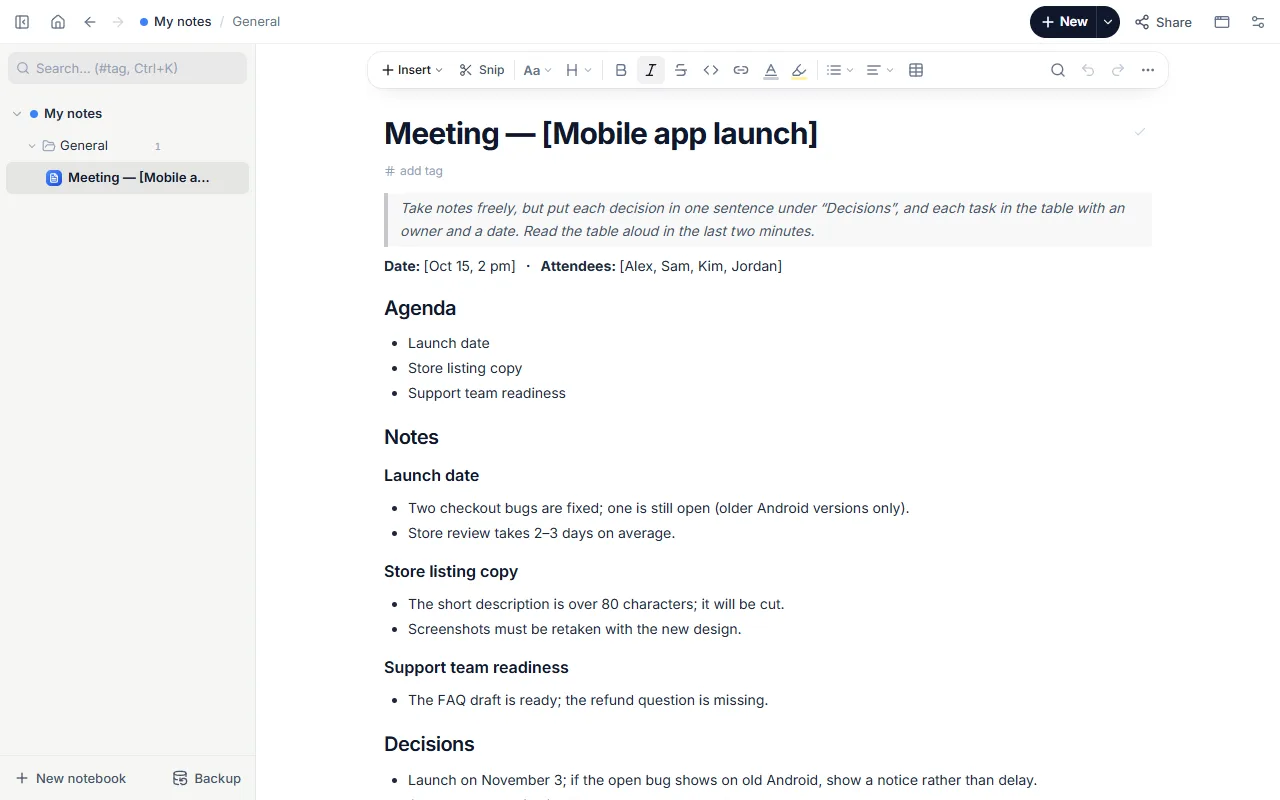
- Date and attendees
- Agenda with notes under each item (a launch meeting as the example)
- One-sentence decisions
- Action table: who, what, by when
- Open questions
How to use it
- Open the template as the meeting starts and write the topic in the title.
- List the agenda; take notes under each item.
- Write every decision on its own line in one sentence.
- Add actions to the table with an owner and a date.
- Afterwards send the page to the attendees as a link or PDF.
Tips that help
- Take notes in keywords, but write decisions as full sentences.
- Read the action table aloud in the last two minutes: that’s where misunderstandings surface.
- Snip a page shown on screen straight into the notes with the extension.
Questions
How do I find old meeting notes?
They stay in your notebook; search for a word, tag or name to find them.
Is it free? Do I need an account?
Free, and no account. “Start with this template” opens it in the WebPad Studio web version, ready to write in.
Where is what I write saved?
In your browser’s own storage, on your device only. If you like, back it up to your own Google Drive and sync it across devices; there is no server of ours.
Can I download it as PDF or Word?
Yes. Text pages download as PDF and Word, drawings save as images, and you can share a page with a link.