WebPad
What’s inside
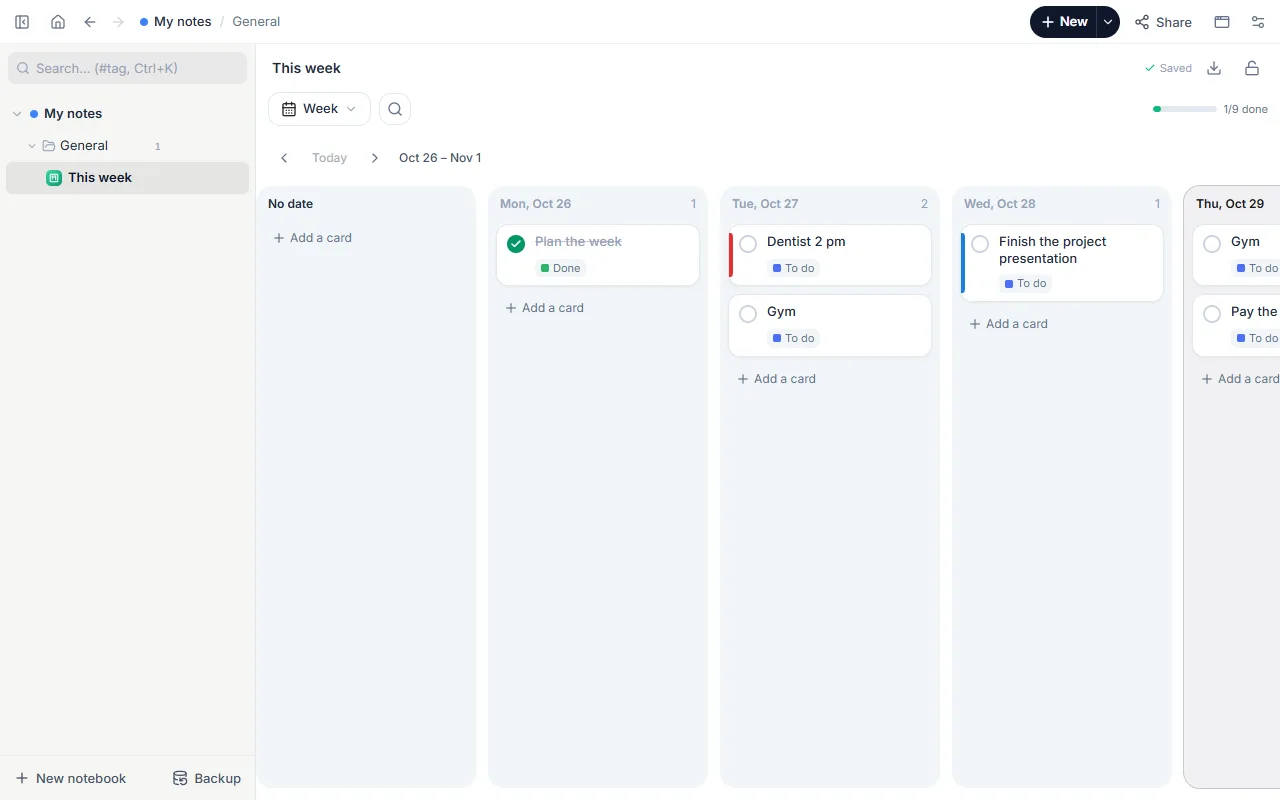
- The seven days of this week as columns
- Example tasks: work, school, home and personal
- Cards with steps, colours and dates
How to use it
- Open the template; it starts on this week’s dates.
- Replace the examples with your own tasks; add cards to any day.
- When a day fills up, drag a card to another day; its date follows.
- Tick off finished tasks; at the end of the week move what’s left to next week.
Tips that help
- Put at most three important tasks on a day; the rest is a “nice to have” list.
- Set the week up in 10 minutes on Sunday evening so Monday morning isn’t spent deciding.
- Colour recurring tasks (workouts, weekly report) so the week reads at a glance.
Questions
Can it become a kanban board?
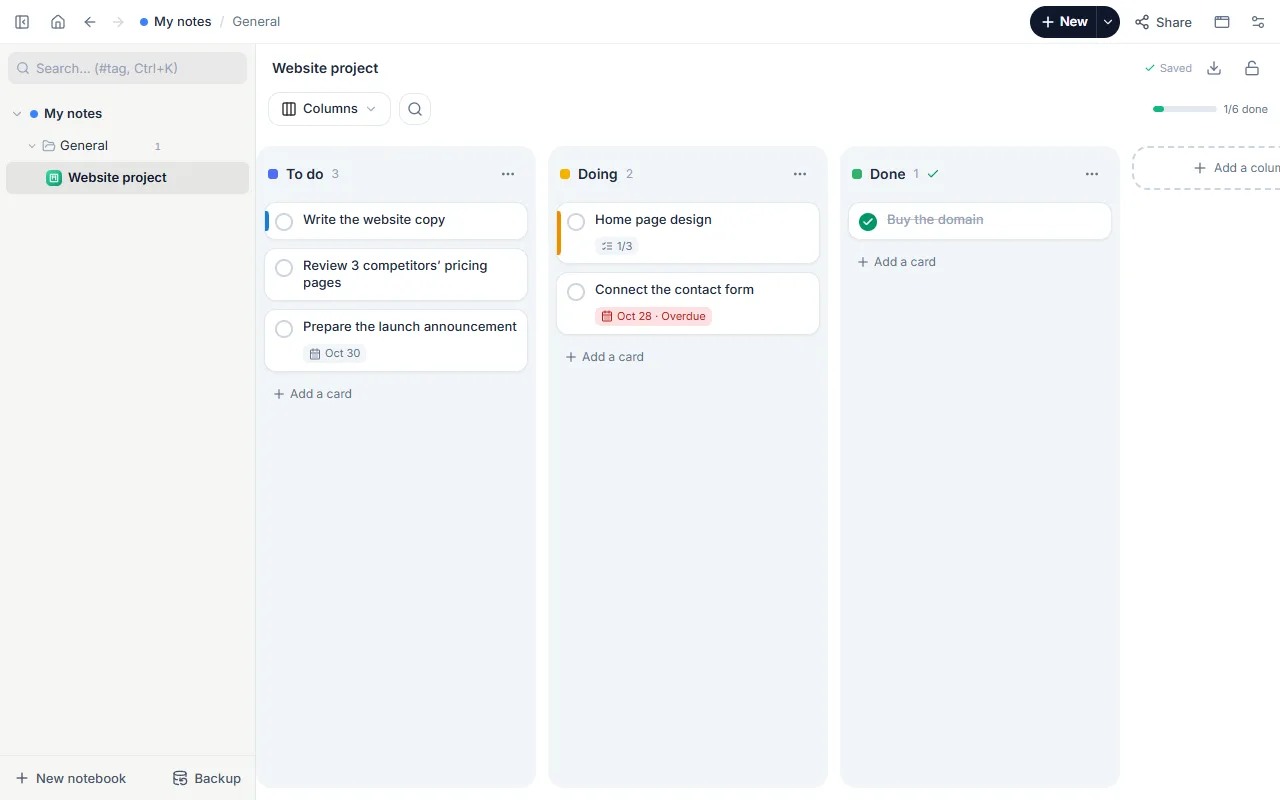
Yes; the same board opens in a week view and a column view. Switch the view at the top of the board.
Is it free? Do I need an account?
Free, and no account. “Start with this template” opens it in the WebPad Studio web version, ready to write in.
Where is what I write saved?
In your browser’s own storage, on your device only. If you like, back it up to your own Google Drive and sync it across devices; there is no server of ours.
Can I download it as PDF or Word?
Yes. Text pages download as PDF and Word, drawings save as images, and you can share a page with a link.