 WebPad
Write and draw on a PDF
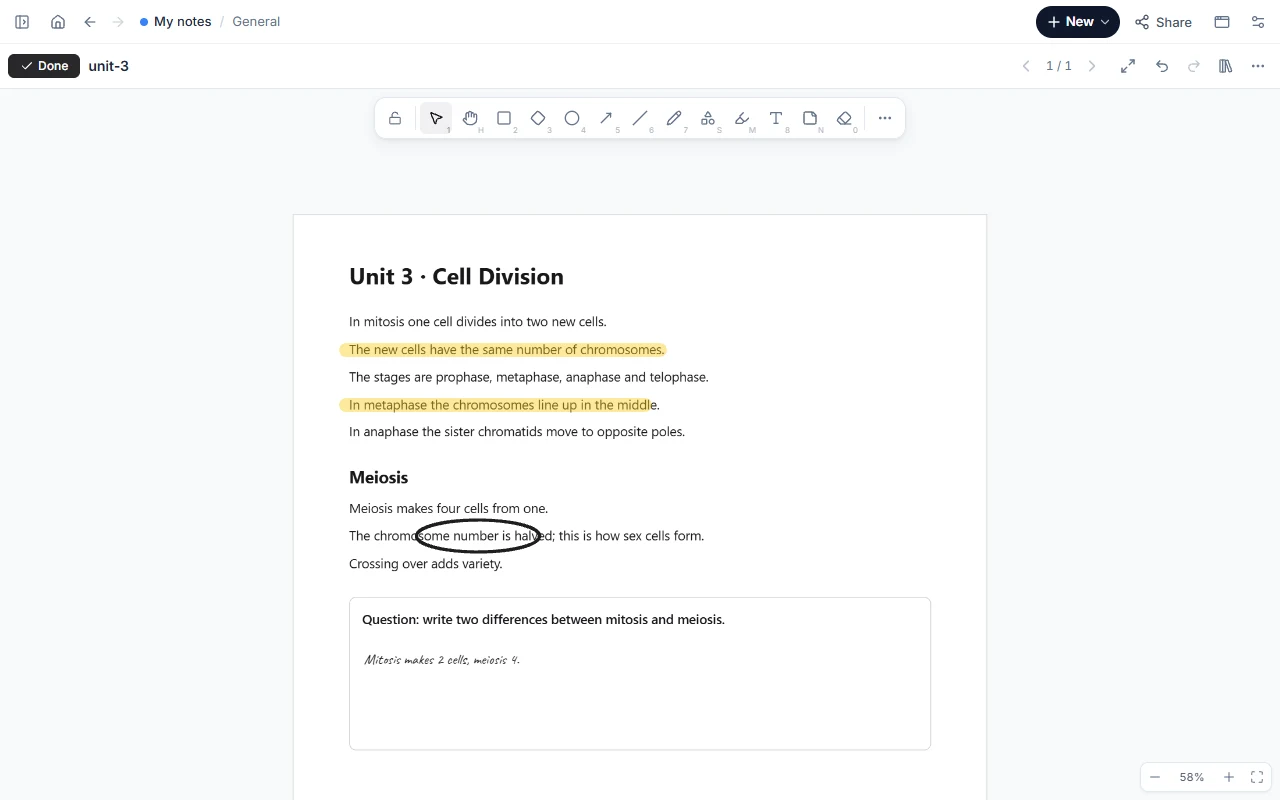
Open a textbook, a worksheet or a contract; write on it, draw on it, highlight what matters. The original file doesn’t change and you download it with your marks. Your file is never uploaded to a server.
- Highlight with a marker
- Circle things and draw arrows with a pen
- Type into the blanks
Free · No sign-up · Your file is never uploaded · Works on phones too
Read comfortably, search inside
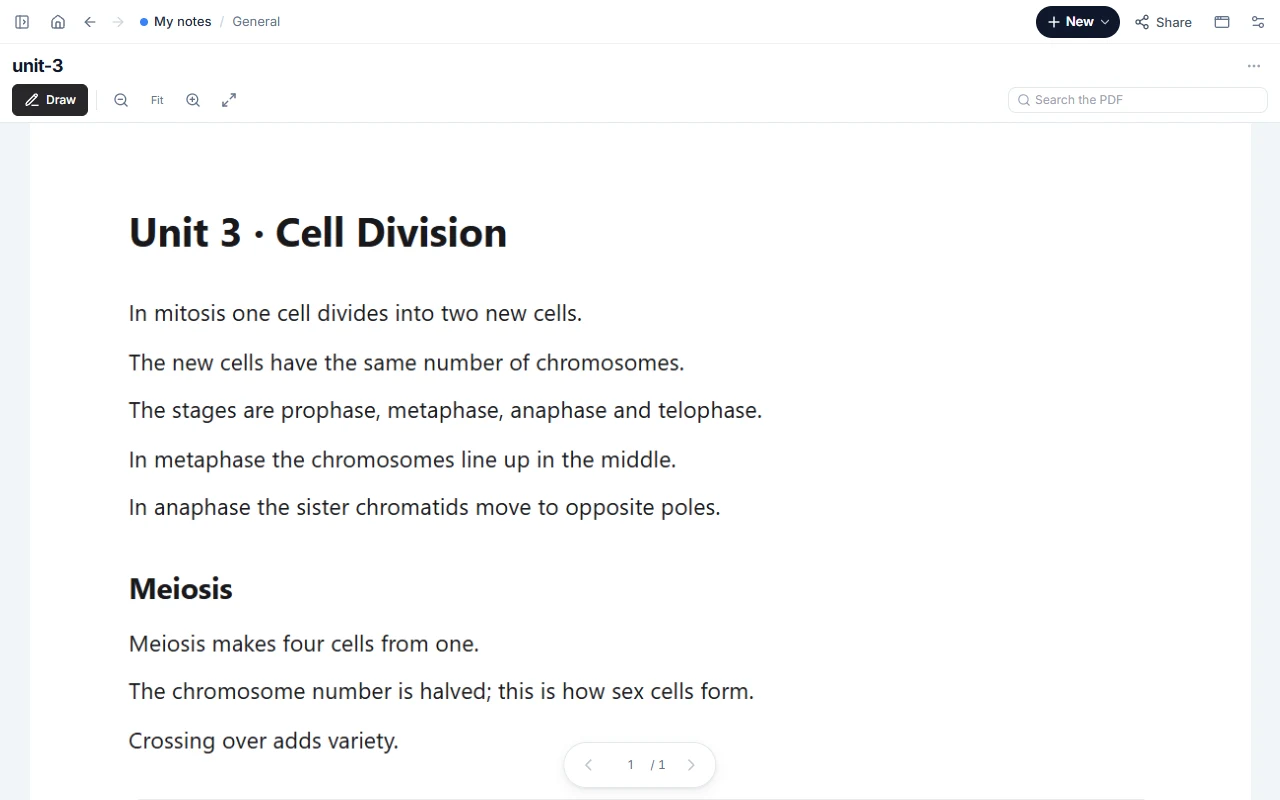
Big, sharp pages; zoom in, read full screen, find the word you need inside the PDF.
- Search the PDF
- Zoom, fit, full screen
- The PDF is a page in your notebook, beside your notes
Three steps
- 1
Open the PDF
New → PDF page, pick your file. It opens in your own browser.
- 2
Draw
Press “Draw”; highlight, write, mark. Then “Done”.
- 3
Download
Download it as a PDF with your marks; the original stays as it was.
Questions
Is my PDF uploaded anywhere?
No. The file opens in your own browser and stays there.
Does the original file change?
No. Your marks sit on top of it; when you download, they can be printed in.
Is it paid?
No. It’s free and needs no account.
Can I write with a stylus on a tablet?
Yes, with a finger or a stylus.