 WebPad
Free online presentation maker
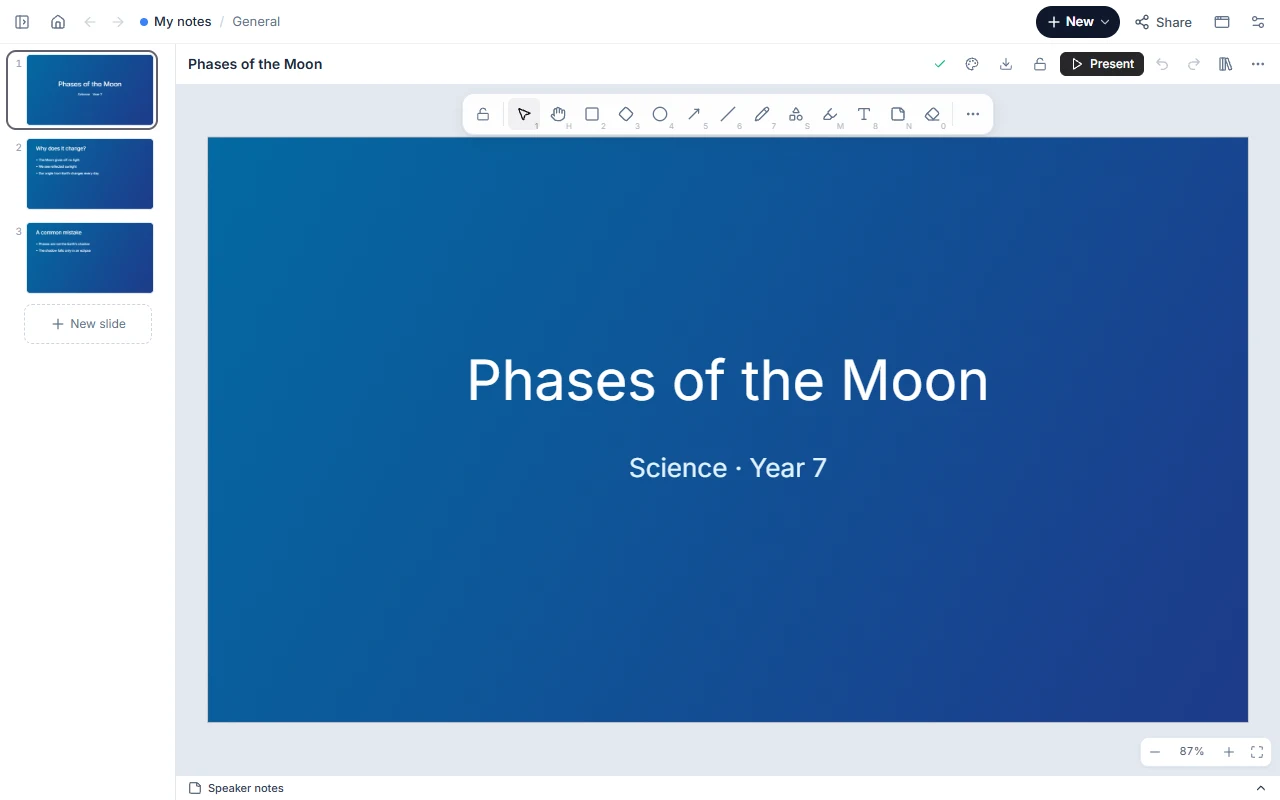
Make a presentation for homework, class or a meeting in your browser. Pick a theme, write your slides, present full screen. When you’re done, download it as PowerPoint or PDF. No account needed.
- Ready themes
- Text, shapes, arrows, pictures
- Speaker notes
Free · No sign-up · Your work stays in your browser · Works on phones too
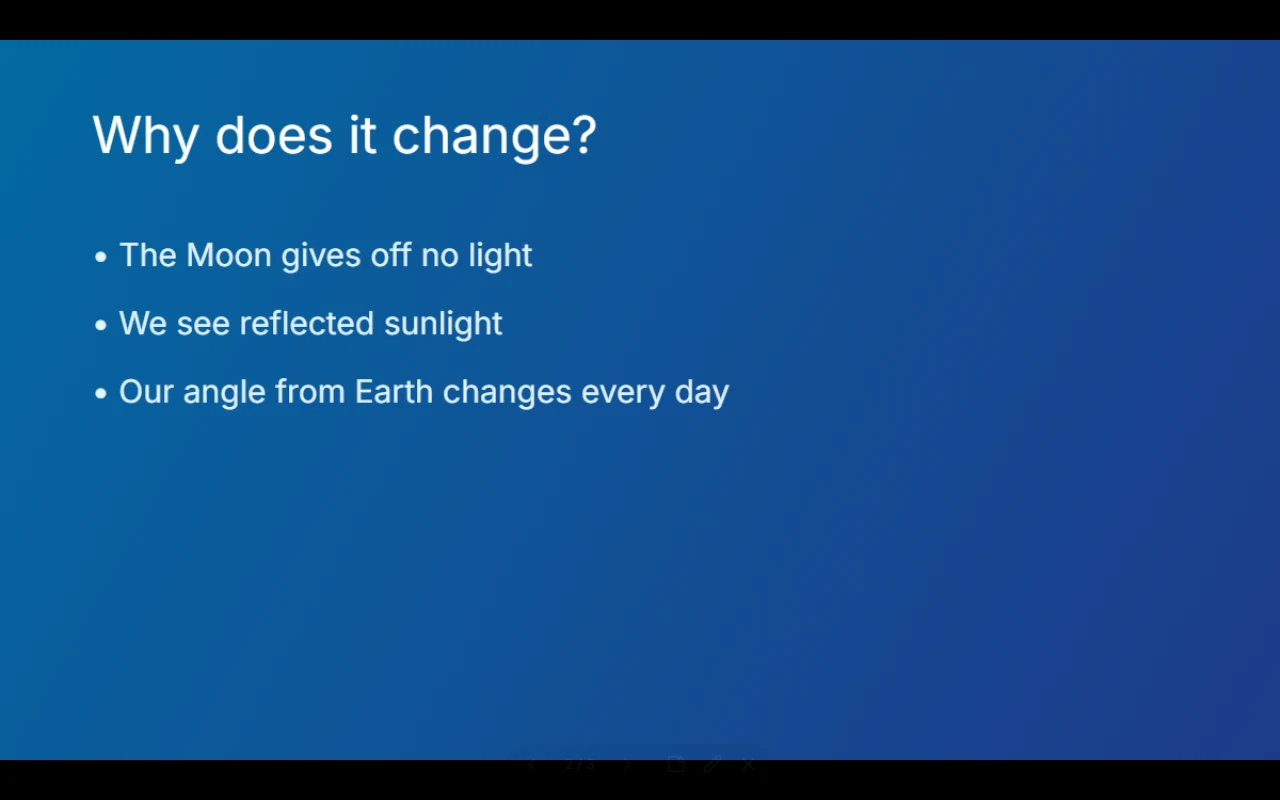
Present full screen
The “Present” button opens your slides full screen; move on with the arrow keys and draw on them while you present.
- Arrow keys or a click to move on
- Mark up slides with a pen while presenting
- Download as PowerPoint (.pptx) or PDF
Three steps
- 1
Open a presentation
A new presentation opens; no account or download.
- 2
Make the slides
Pick a theme, write the title and points, add slides.
- 3
Present or download
Present full screen, or download as PowerPoint / PDF and share.
Questions
Can I download it as PowerPoint?
Yes. Download it as .pptx and open it in PowerPoint or Google Slides; PDF works too.
Is it paid?
No. It’s free and needs no account.
Where is my presentation kept?
In your own browser. You can back it up to your own Google Drive if you like.